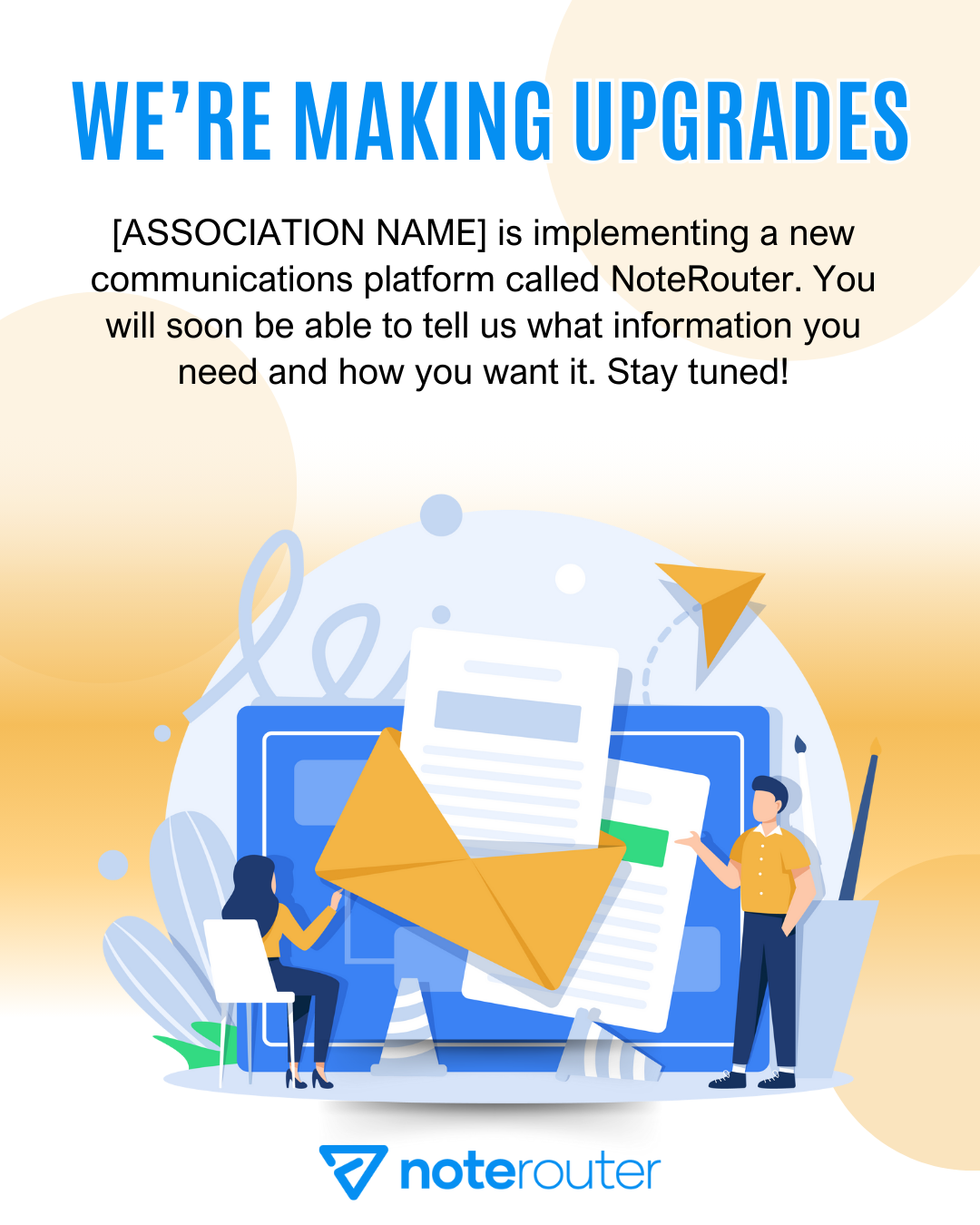
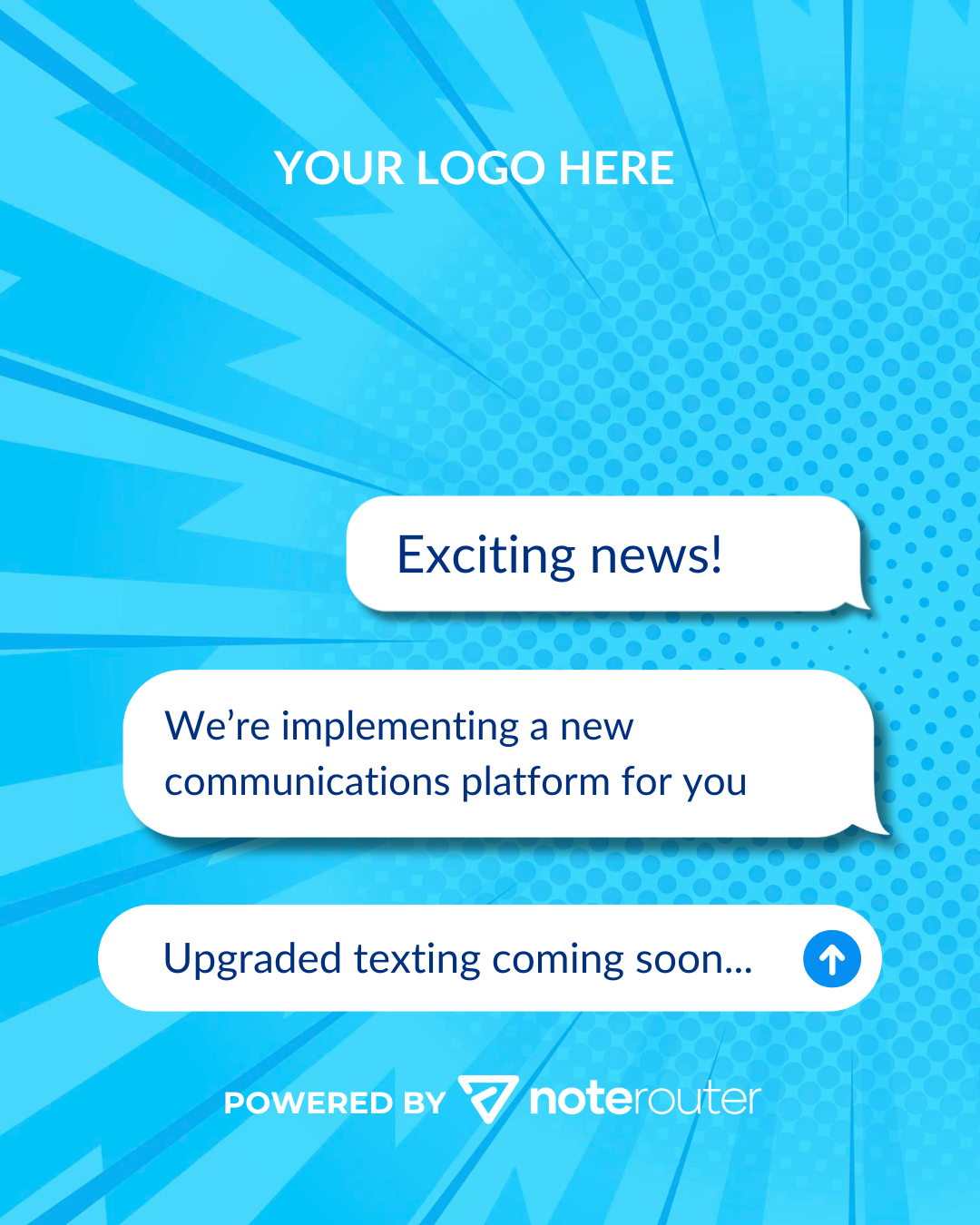
We're so happy to have you! On this page, you'll find our logos, brand colors, sample social media announcement posts, and more to help you tell your members about how awesome your communications are going to be.
Download official NoteRouter logos here. Click the image or link to open it in a new window, then right click > Save As to save it to your computer.


.png)
Please use the official colors below when creating content about us.
Hex: #058FF2
RGB: R5 G143 B242
CMYK: C74 M39 Y0 K0
Hex: #004BC4
RGB: R0 G75 B196
CMYK: C100 M79 Y0 K0
Hex: #00307E
RGB: R0 G48 B126
CMYK: C100 M88 Y21 K26
We’re excited to introduce NoteRouter, our new communication platform designed to keep you better informed and more connected. With NoteRouter, you’ll receive timely emails and texts from us with important information you don't want to miss. Whether it’s event reminders, policy changes, or local housing market updates, you’ll get what you need when you need it, right on your phone or in your inbox.
Big news! We’re leveling up how we keep you updated. Say hello to NoteRouter - smart text messaging, important email reminders, and information where and when you want it.
We’ve switched to NoteRouter for member communication to give you relevant emails and texts with important updates. What you need, when you need it.
We’re making it easier to keep in touch. With NoteRouter, we can send you quick updates without flooding your inbox. It’s a better way to stay connected.
From now on, messages from us will come via NoteRouter. You'll receive a preferences form via so you can choose what information you receive from us.
We’re now using NoteRouter to communicate with our members. Same important updates, just a better way to get them to you.
Click here to learn how to find your Universal Preference Page URL, which the page you send to members to set their communications preferences.
To use a pre-made template in NoteRouter to remind your members to update their preferences, go to Create & Send and use our Shared Templates to let your members know they can set their choices. You'll see a few different pre-made messages: NoteRouter Modern, NoteRouter Reminder, and NoteRouter Classic.
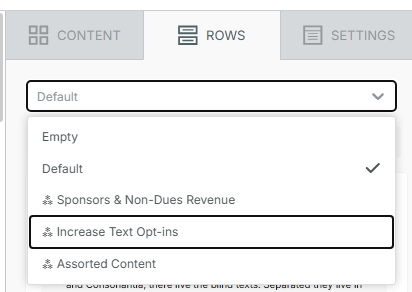
To increase text message opt-ins, from inside your Message, you can use One-Click Content from the Saved Rows to let your members know how to sign up for texts. From the Rows tab on the right, select Increase Text Opt-ins and pick the Saved Row you like best.
Gifs to send to your members: